
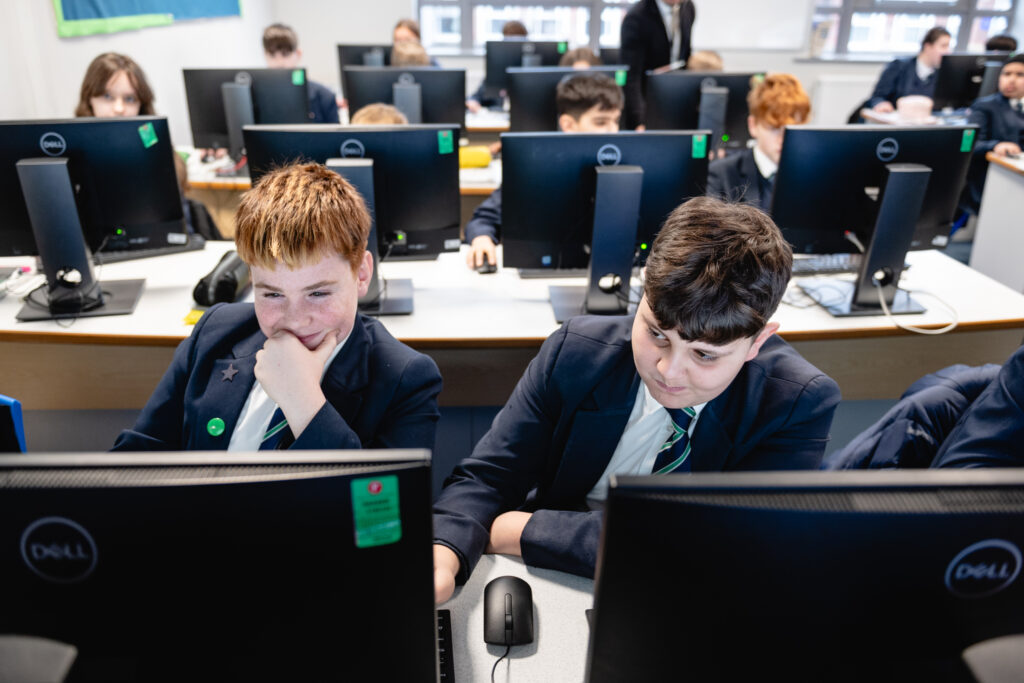
We help students to develop the life-skills they need to analyse and solve problems using computational thinking, and to creatively design and produce digital products. We enable students to be responsible, confident, critical and creative users of technology. They are future-ready, knowing how to use generic software used in both the office environment and the creative sector.
They have developed an intuition with common technologies, providing them with the skills and confidence to be able to familiarise themselves with new ones. They are thoughtful and suitably judicious users of the world wide web and associated technologies such as AI.
Students take part in the worldwide Bebras computational thinking competition, competing in problem-solving activities against students from across the country.
Year 9 and 10 students can join our after school Esports club and run an in-school tournament with our Nintendo Switches to form a team to take part in the national Digital Schoolhouse Esports tournament.
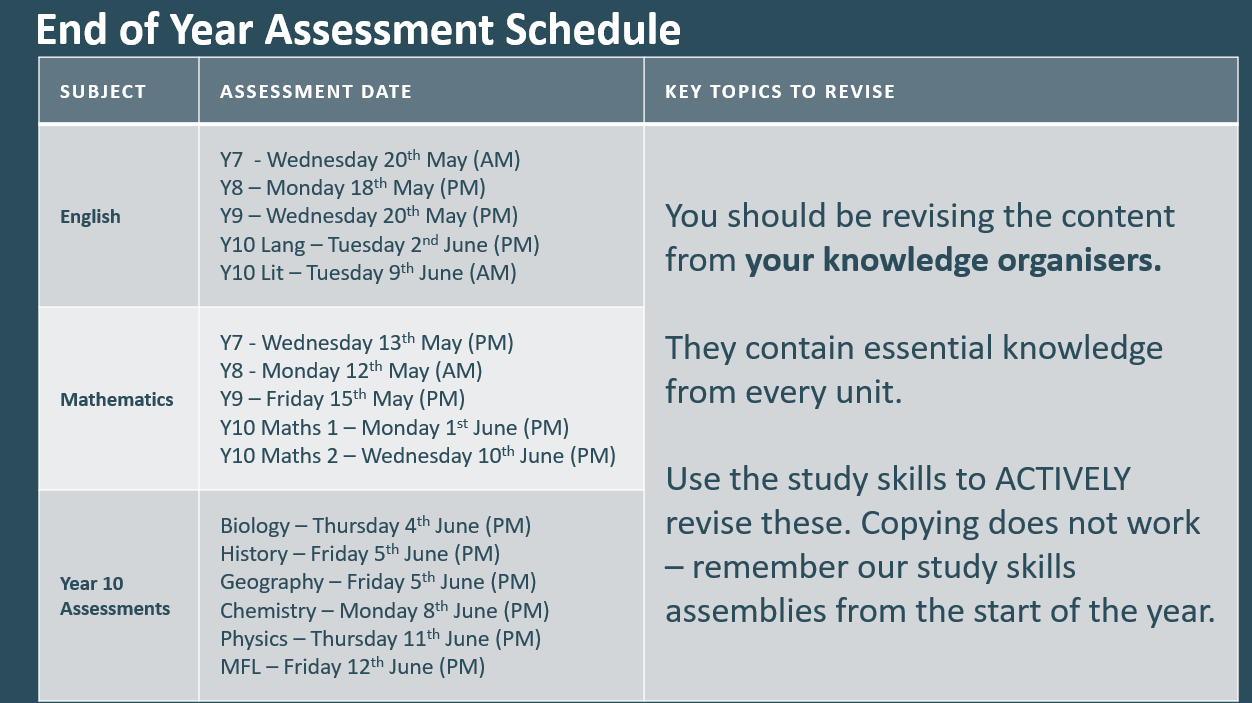
Internal assessments will take place throughout each year to monitor pupil progress and further inform teaching and learning.
At KS4, students will be able to follow either a vocational or GCSE pathway.
The skills learned in Computing subjects prepare a solid basis for future careers within the IT industry and many other fields which involve problem-solving and computational thinking, such as engineering or medicine.
Computing also helps students to develop a wide range of skills which are attractive to employers, colleges, and universities, including critical thinking, data handling, and coping with rapid changes in technology. Students also develop their skills with a range of software used in the workplace, such as the Microsoft Office Suite.
| Year | Cycle 1 | Cycle 2 | Cycle 3 |
|---|---|---|---|
| Year 7 | 7.0 Computing at Thornton: How to use IT systems and resources at our school 7.1 Collaborating online: How to work together using cloud technologies, communicating professionally, and providing effective feedback | 7.2 Programming with Scratch: Learning about the basics of programming including variables, iteration, and selection 7.3 Networks: From semaphore to the internet, how computers exchange information across the local area networks and the internet | 7.4 Physical computing: developing our programming skills using Microbits 7.5 Using media: using technology to gain support for a cause, including creating a blog |
| Year 8 | 8.1 Data modelling with spreadsheets: how to use spreadsheets to store and process numerical data 8.2 Computing systems: what are the individual components that make up computers and their roles | 8.3 Mobile app development: using AppLab to make a mobile app, focusing on designing an effective interface and using coding techniques to develop functionality | 8.4 Introduction to Python programming/Edublocks: Programming using high-level language 8.5 Experience AI: Looking at what AI is used for, what machine learning is, and the potential problems of AI |
| Year 9 | 9.1 Digital graphics: using graphics software such as Adobe Creative Suite and Affinity to create graphics for specific audience and purpose 9.2 Introduction to Python Programming | 9.3 Exploring data science: exploring how to analyse and evaluate data to discover trends and correlations 9.3 More data modelling with spreadsheets: how to use spreadsheets to store and process numerical data | 9.4 Data representation: going audio visual: How do computers store data for images, sound and movies 9.5 Cyber security: How do computers keep our data safe? What are the risks with personal data and how can we ensure it is protected |
| Year 10 | GCSE Computer Science: 1.1 systems architecture, 1.2 memory and storage, 2.2 programming fundamentals Vocational IT: 2.4 planning, creating, manipulating and storing images, 2.3 planning, creating and modifying automated document | GCSE Computer Science: 1.3 computer, networks, connections and protocols, 1.4 network security, 2.2 programming fundamentals Vocational IT: 2.1 Planning, creating, modifying and using a database, P1-P2 using CSV files to create a database showing user interface which matches the requirements of a brief | GCSE Computer Science: 1.5 Systems software, 2.1 algorithms, 2.2 programming fundamentals Vocational IT: 2.2 planning, creating, modifying and using spreadsheet |
| Year 11 | GCSE Computer Science: 1.6 ethical, legal, cultural and impacts, 2.3 producing robust programs, 2.2 programming fundamentals Vocational IT: 1.1 how IT can be used to fulfil the needs of organisations and individuals, 1.2 how data and information is used and transferred | GCSE Computer Science: 2.4 Boolean logic, 2.5 programming languages and IDEs Vocational IT: 1.3 legal, moral, ethical, cultural and environmental impacts of IT and the need for cybersecurity | GCSE Computer Science: Exam preparation Vocational IT Preparation for exam |